
WhatsApp Desktop
WhatsApp Desktop is the official WhatsApp app for Windows, letting you chat and call from your PC with the account on your phone.
339.2 MB

App · Telegram · Page updated
Telegram Web is the browser version of the Telegram messenger: open it on a Windows PC, log in with your phone and chat without installing anything.
Average 0.0 · ratings: 0
Thank you! Your rating is saved; you can change it. Could not save the rating. Please try again later. Too many ratings from your network today. Please try again tomorrow. The average appears after 5 ratings.
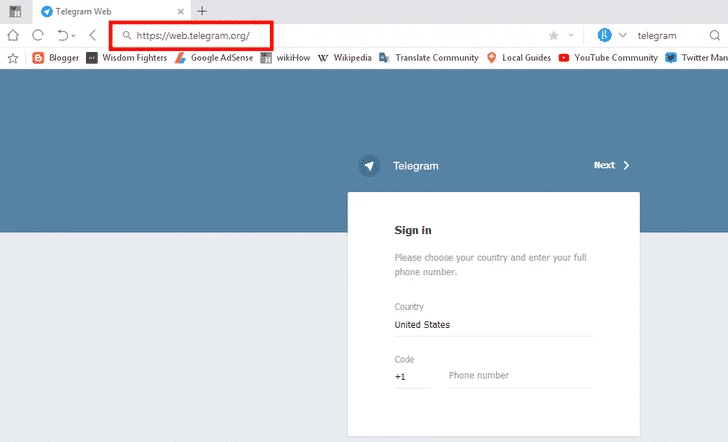
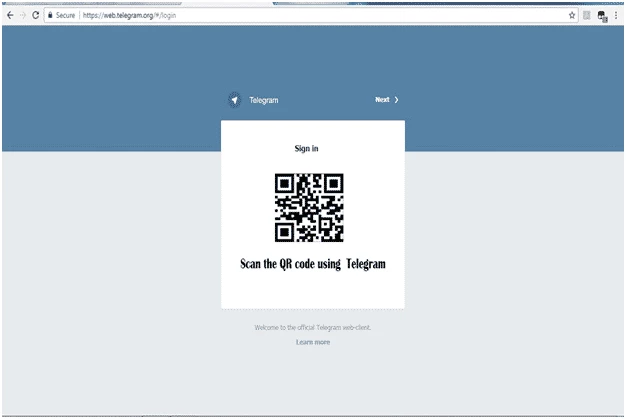
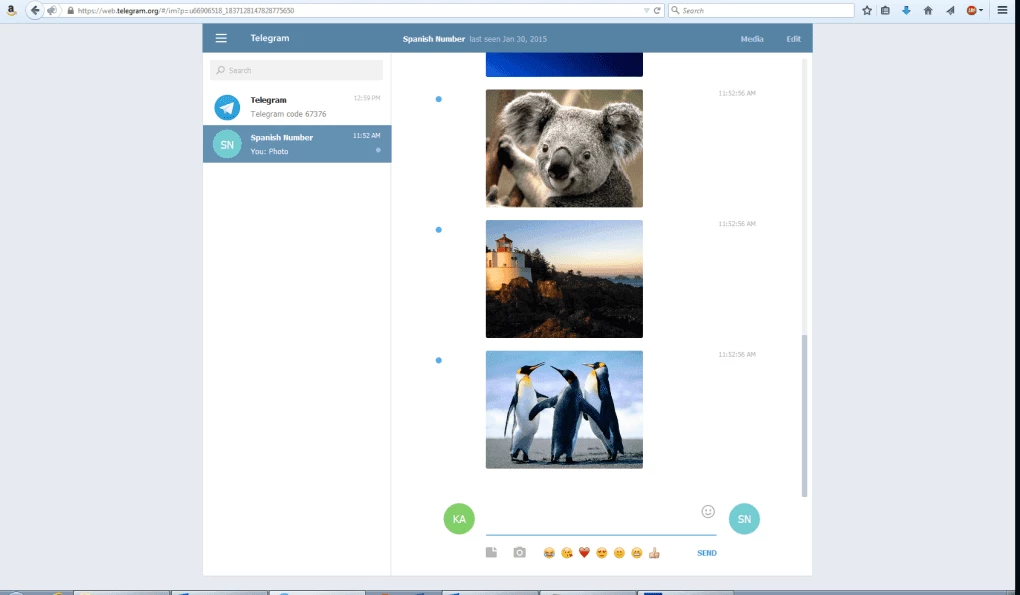
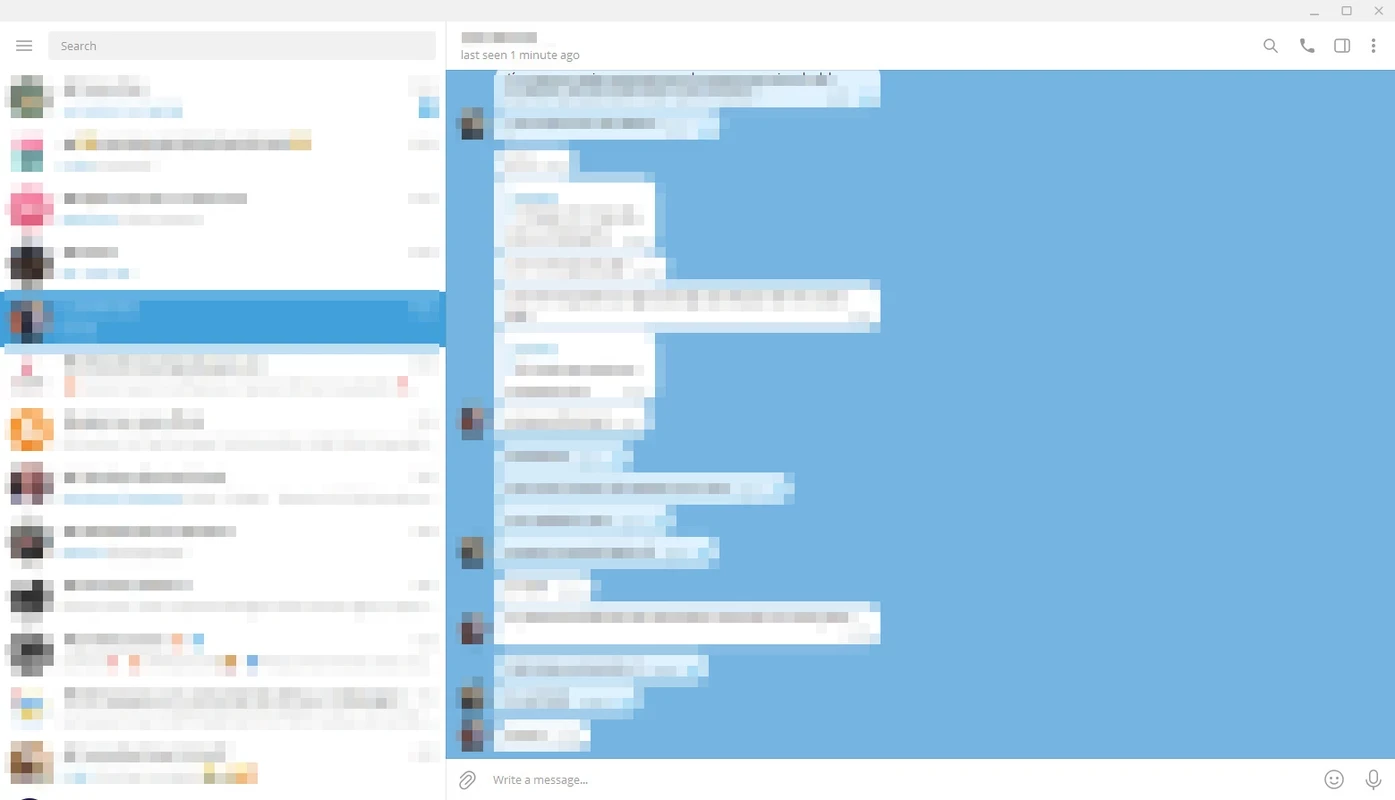
Telegram Web is the browser version of the Telegram messenger, available at web.telegram.org and used on Windows without installing anything. Instead of a download, you open the page, confirm the login from your phone and get your chats, groups and channels in a browser tab.
It is a web client for the same Telegram account you use on your phone. Telegram is a cloud-based messenger, so your messages are stored on its servers and sync across devices: what you read or send in the browser appears on your phone, and the other way round. That is the main difference from messengers that keep the history on a single phone and only mirror it to a computer. Because everything runs in the browser, Telegram Web is handy on a work PC where you cannot install programs, on a borrowed laptop, or when you just want to answer a few messages without setting up a desktop application. The original open-source web client, Webogram, is published on GitHub by its author; the current service is maintained by Telegram, which lists the address web.telegram.org as its official web entry point.
On a shared or public computer, log out when you finish. You can also end the session from your phone in the same Devices section.
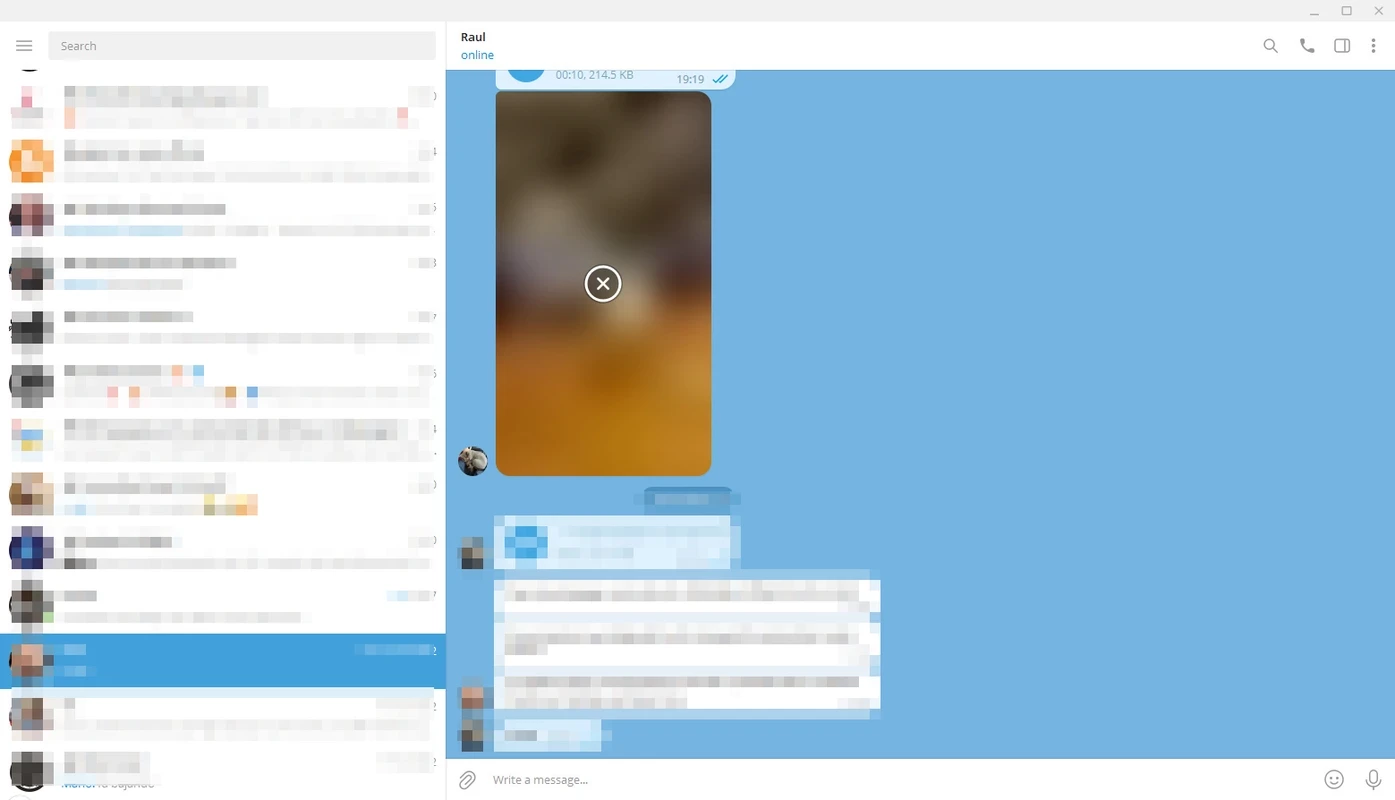
No. Telegram Web runs entirely in the browser, and there is nothing to install on Windows. If you want a separate window, notifications without an open tab and better handling of large file transfers, the desktop application Telegram Desktop is the better fit. On the phone side, Telegram's FAQ notes that the app needs less than 100 MB, as media can stay in the cloud.
Use only the official address web.telegram.org and check it in the address bar: fake pages that copy the login screen exist to steal accounts. Turn on two-step verification in the phone app, never share the login code, and look through the list of active sessions from time to time. Regular chats are stored in the cloud; end-to-end encrypted secret chats are a feature of the mobile apps and are not available in the browser.
Nothing. Telegram Web is free, like the messenger itself. Paid extras exist inside Telegram, but you do not need them to chat.
On Windows you can use Telegram Desktop as a full program, or pick another messenger: WhatsApp Desktop or WhatsApp Web for WhatsApp contacts, Signal for private conversations, Discord for communities and voice channels, and Viber for calls and chats tied to a phone number.
WhatsApp Desktop is the official WhatsApp app for Windows, letting you chat and call from your PC with the account on your phone.

WhatsApp Viewer is a free Windows tool by Andreas Mausch that opens WhatsApp chat databases from Android and displays the conversations on a PC.

Microsoft Teams is Microsoft's collaboration and video-conferencing app for chat, meetings, calls and shared files at work, school or home.

Zoom Meeting is the desktop client of Zoom's video-conferencing service for calls, webinars, screen sharing and chat on Windows.

Camo Studio is Reincubate's desktop app that turns an iPhone, iPad or Android phone into a high-quality webcam for a Windows PC or Mac.

Google Meet is Google's video meeting app. On Windows it runs from the browser and can be installed as an app, with no separate installer to download.

Facebook for Windows is the desktop app of Meta's social network, with the news feed, groups, pages and notifications in a separate window.

Telegram Desktop is the official Windows client of the Telegram messenger, with chats, groups, channels and file sharing synced from the cloud.